

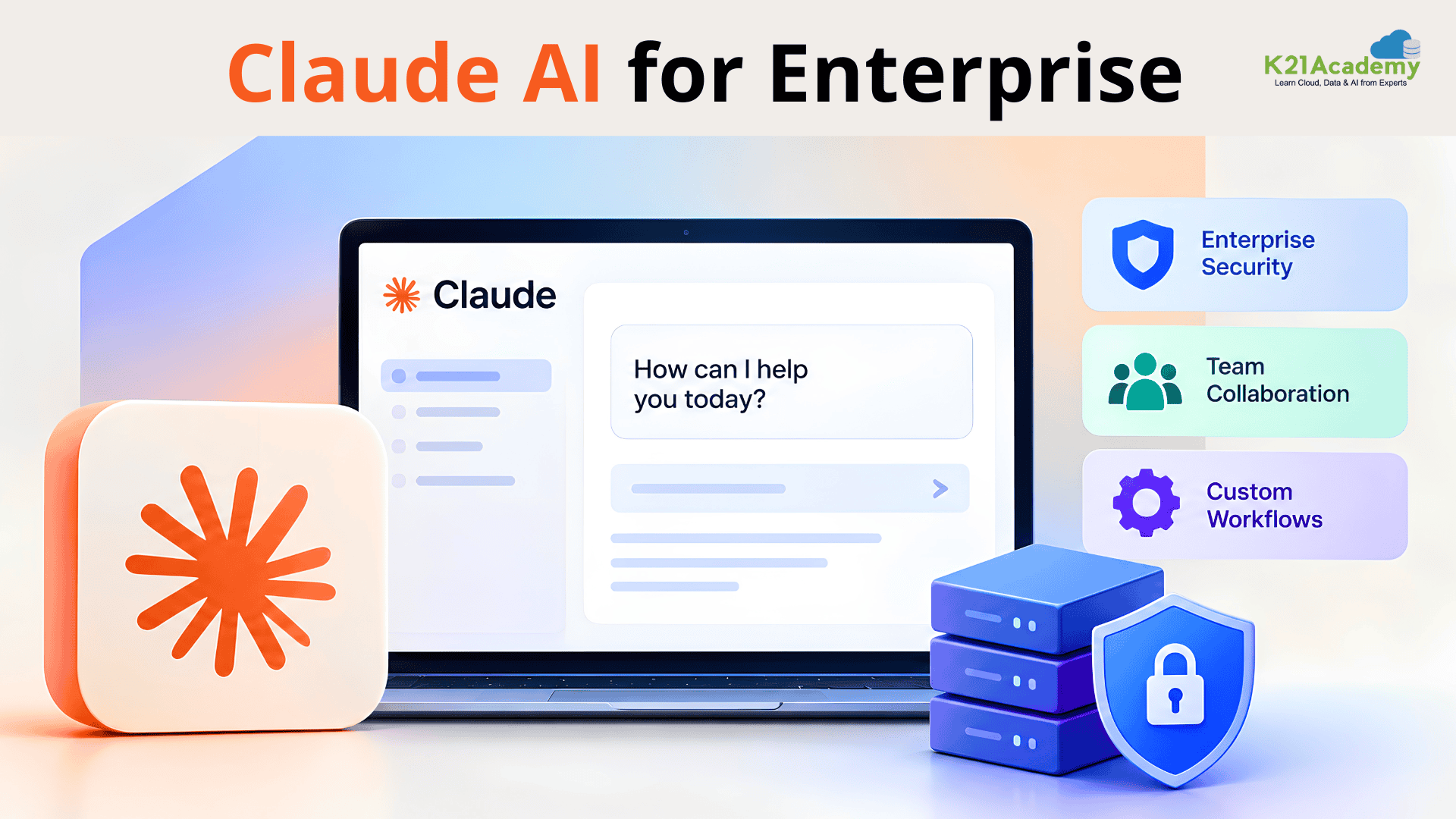



Enterprise AI has moved beyond the “let’s try a chatbot” stage. Claude is currently being used by organisations to analyse massive codebases, automate knowledge work, update legacy applications, create AI agents, assist developers, enhance customer operations, and incorporate insight into current business processes.
However, experimenting with Claude as an individual developer is very different from deploying it in a business setting. The crucial questions for senior engineers, AI engineers, solution architects, enterprise architects, and technical leaders are no longer just:
“How good is Claude?”
The better questions are:
- Where should Claude sit in the enterprise architecture?
- Which workloads should use Claude?
- How should enterprise data reach the model?
- How do you control access to sensitive information?
- How should agents interact with internal systems?
- How do you evaluate reliability before production?
- How should costs, latency, observability, and governance be managed?
- When should you use Claude directly, through an API, or through a cloud platform such as Amazon Bedrock, Google Vertex AI, or Microsoft Foundry?
This guide explains the architecture and engineering considerations that matter when building Claude AI for enterprise applications.

What Is Claude AI for Enterprise?

Using Anthropic’s Claude models in commercial apps, internal platforms, developer workflows, AI agents, and automated processes at organisational size is known as “Claude AI for enterprise”.
Enterprise adoption can happen through multiple routes:
- Claude for Work Enterprise
- Anthropic API
- Amazon Bedrock
- Google Vertex AI
- Microsoft Foundry
- Claude Code
- Enterprise connectors and integrations
- Custom applications and AI agents
The decision is based on the security model, cloud strategy, data residency requirements, procurement methodology, current infrastructure, and workload of your company.
SSO, SCIM, role-based permissions, audit logs, and configurable data-retention restrictions are all part of Anthropic’s current enterprise solution. Additionally, enterprise plans provide integrations for organisational processes and improved context capabilities.
Therefore, rather than viewing Claude as just another chatbot, architects should consider it as a business AI capability within a larger system.
The plan comes in two versions:
- Self-serve – minimum 20 seats, purchase directly online, no sales call required
- Sales-assisted – minimum 20 seats, adds tailored contract terms, invoicing, and a HIPAA-ready offering for regulated industries
Why Enterprise Claude Architecture Is Different
A proof of concept can look like this:
User → Prompt → Claude → Answer
A production enterprise system usually looks more like:
User → Identity → Application → Authorization → Data Retrieval → Claude → Tools/Systems → Validation → Response → Logging
The model is only one component. The surrounding architecture determines whether the solution is secure, reliable, maintainable, and scalable.
For example, imagine an internal AI assistant that answers questions about company policies. A prototype might upload policy documents into a prompt. A production architecture needs to consider:
- Who’s asking?
- What documents is that employee able to access?
- How is the relevant information obtained?
- How is information that is out of date handled?
- Is it possible for Claude to unintentionally reveal information from another department?
- When the answer is unclear, what happens?
- How is an audit of the interaction conducted?
- What occurs if the retrieval system or model malfunctions?
This is where senior engineering and architecture skills become critical.

1. Start With the Use Case, Not the Model
Choosing the model first and then creating the application is one of the most common enterprise AI errors. Rather, start with the business issue.
Tasks where language, reasoning, code comprehension, document processing, or workflow orchestration offer measurable benefit are usually included in good enterprise. Claude use cases, such as:
| Enterprise Area | Potential Claude Use Case |
|---|---|
| Software Engineering | Code analysis, modernization, testing, documentation |
| Customer Support | Agent assistance, case summarization, response generation |
| Finance | Document analysis, reporting assistance, research |
| Legal | Contract analysis and document review |
| HR | Policy assistance and employee knowledge systems |
| IT Operations | Incident investigation and troubleshooting |
| Security | Code/security analysis and investigation support |
| Knowledge Management | Enterprise search and question answering |
| Business Operations | Workflow automation and decision support |
The strongest candidates usually have:
High volume + high manual effort + structured workflows + measurable outcomes
Don’t ask:
“Where can we add Claude?”
Ask:
“Which business process has a costly bottleneck that language intelligence can improve?”
2. Choose the Right Claude Deployment Model
Claude can be accessed in different ways depending on your organisation’s needs:
| Option | Best For |
|---|---|
| Claude for Enterprise | Employees needing a managed Claude environment with enterprise controls |
| Anthropic API | Developers building custom AI applications, agents, and services |
| Amazon Bedrock | AWS-based organizations wanting Claude within their existing cloud environment |
| Google Vertex AI | Google Cloud organizations integrating Claude into their GCP ecosystem |
| Microsoft Foundry | Azure-focused organizations using Claude within their Microsoft cloud environment |
| Claude Code | Developers and engineers using Claude for coding, repositories, testing, and development workflows |
Conclusion for architects: Claude is not a single deployment option. Your cloud strategy, use case, security needs, and current enterprise infrastructure will determine which solution is best for you.
Related Readings: How AI Integration is Transforming Cloud Computing
3. Design the Data Flow Before Writing Prompts
Enterprise AI is often a data architecture problem disguised as an AI problem.
Suppose Claude needs access to:
- SharePoint
- Confluence
- GitHub
- Jira
- Salesforce
- Internal databases
- PDF documents
- Knowledge bases
You need to define exactly how information moves between those systems and Claude. A typical architecture might look like this:

The fundamental idea is that just because the model can theoretically handle business data does not mean that it should have unlimited access to it. Enterprise authorisation policies should govern access.
4. RAG Is Still an Architecture Pattern, Not a Magic Feature
Retrieval-Augmented Generation (RAG) is still one of the most crucial patterns for enterprise knowledge applications.
Instead of asking Claude to memorise company information:
- The user asks a question.
- The application finds relevant sources.
- Authorised data is searched by the retrieval system.
- Claude is given relevant information.
- Claude uses that background to come up with a response.
- Citations and references may be included in the application.
The architecture becomes:
User → Retrieval → Authorisation → Context → Claude → Answer
5. Context Engineering Matters More Than “Long Prompts”
Large context windows are useful, but it’s not smart architecture to just add more data to Claude. Context engineering is something that enterprise teams ought to consider. That means deciding:
- What information does Claude actually need?
- What should be retrieved dynamically?
- What should remain outside the context?
- Which instructions are persistent?
- Which information is temporary?
- What should be summarized?
- What should be cited?
- What should never enter the model context?
Anthropic’s enterprise offering has supported enhanced context capabilities, while its current model ecosystem includes models optimised for different performance and latency requirements.
6. Prompt Engineering Becomes System Engineering
For individual users, prompt engineering might mean writing better instructions but in enterprise systems, it becomes much broader. Architects need to think about:
- System instructions: Define the model’s role, boundaries, output format, and operating rules.
- Context: Provide the information required to perform the task.
- Examples: Use representative examples when they improve consistency.
- Tool definitions: Clearly define what tools the model can invoke and what each tool is allowed to do.
- Output contracts: Use structured responses when downstream applications depend on the result.
- Failure behaviour: Tell the system what should happen when information is missing or uncertain.
Claude’s guidance emphasises clear instructions and providing relevant context to improve model performance. For enterprise applications, however, prompts should be treated as version-controlled application assets, not ad hoc text.
Related Readings: Top 12 Prompt Engineering Tools for AI Projects in 2026
7. Tool Use Changes the Architecture
The biggest shift from traditional chatbots to enterprise AI agents is the ability to interact with external tools.
Claude can be connected to systems such as:
- Databases
- APIs
- GitHub
- Jira
- CRM platforms
- Internal services
- Search systems
- Monitoring platforms
Tool use introduces a new security boundary. The question is no longer:
“Can Claude answer this?”
It becomes:
“What actions are we allowing Claude to take?”
8. MCP Is Becoming Important for Enterprise Integrations
The Model Context Protocol (MCP) is increasingly relevant to enterprise AI architectures because it provides a standardised approach for connecting AI systems with tools and external data.
For architects, the interesting question is not simply:
“Should we use MCP?”
Instead ask:
“Where does MCP fit within our integration and security architecture?”
Potential MCP-connected systems include:
- GitHub
- Jira
- Databases
- Knowledge repositories
- Internal APIs
- Developer platforms
MCP can simplify connectivity, but it doesn’t eliminate the need for enterprise security architecture.
Related Readings: Best MCP Servers for Claude Code
9. Cost Management Needs Architectural Thinking
LLM cost isn’t simply Number of users × subscription price. For API-based enterprise applications, costs can depend on:
- Input tokens
- Output tokens
- Context size
- Tool use
- Model selection
- Request frequency
- Retry behavior
- Agent loops
- Caching
- Workflow complexity
Tool-use requests, for example, include token costs associated with tool definitions and tool interactions. A poorly designed agent can therefore become unexpectedly expensive. Architectural controls include:
- Model routing: Use a more capable model for complex reasoning and a faster/lower-cost model for simpler tasks.
- Context optimisation: Don’t send unnecessary information.
- Caching: Reuse information where appropriate.
- Agent limits: Set maximum steps or tool calls.
- Budget controls: Monitor spend per team, application, or workflow.
10. Common Claude Enterprise Architecture Mistakes
Mistake 1: Starting with a chatbot – Instead, identify the business workflow and measurable outcome.
Mistake 2: Giving the model unrestricted access – use least privilege.
Mistake 3: Assuming RAG automatically solves hallucinations – Retrieval quality and authorization matter.
Mistake 4: Putting everything into the context window – More context doesn’t automatically mean better results.
Mistake 5: Skipping evaluation – A successful demo isn’t proof of production readiness.
Mistake 6: Ignoring prompt injection – External documents, web pages, emails, and retrieved content can contain untrusted instructions.
Mistake 7: Giving agents write access too early – Start with read-only tools and progressively increase permissions.
Mistake 8: Measuring only model quality – Measure the complete workflow.
Mistake 9: Ignoring cost – Agentic systems can make multiple model and tool calls for a single user request.
Mistake 10: Treating AI as a standalone project – Enterprise AI requires collaboration between architecture, engineering, security, data, compliance, and business teams.
What Architects Should Know Before Building With Claude
Before approving a Claude-powered enterprise application, ask these questions:
| Architecture Area | Key Question to Ask |
|---|---|
| Business | What measurable problem are we solving? |
| Model | Which Claude model best fits the workload? |
| Data | What information does Claude need? |
| Identity | Who can access the system? |
| Authorization | What can each user or agent access? |
| RAG | How will enterprise context be retrieved? |
| Tools | What actions can Claude perform? |
| Security | How will prompts, data, and tools be protected? |
| Governance | Which actions require human approval? |
| Evaluation | How will AI quality and accuracy be measured? |
| Observability | Can we trace failures, responses, and tool calls? |
| Cost | What is the expected cost per workflow? |
| Reliability | What happens if Claude becomes unavailable? |
| Compliance | What regulatory and data requirements apply? |
| Operations | Who will own and maintain the system after deployment? |
A Practical Claude AI for Enterprise Adoption Roadmap

Claude AI for Enterprise: Final Takeaway
Claude can be a powerful component of enterprise AI architecture but the model itself is only part of the solution. The real engineering challenge is building the layer around it.
For architects and senior engineers, the most valuable skill isn’t simply knowing how to prompt Claude. It’s knowing how to turn Claude into a reliable enterprise capability. That means understanding model selection, context engineering, RAG, tool use, MCP, agent architecture, security, evaluation, observability, cost management, and human oversight.
And as enterprise AI adoption accelerates, professionals who can connect these pieces from the architecture diagram to the production deployment will be better positioned to lead AI transformation initiatives.