




“Should I use Skills or MCP for this?” is a question I see in developer forums every week. “Wait, aren’t agents a separate thing entirely?” is typically the next question & the most common question is “What is the difference between Claude Code Skills vs Sub-Agents vs MCP, and when should you use each when using claude code?”.
If you get this wrong, you either:
- Overcomplicate simple workflows
- Build rigid systems that don’t scale
- Or miss out on real-time intelligence
This guide will help you clearly understand Claude Code Skills vs Sub-Agents vs MCP, with practical examples and decision frameworks.

Why the Confusion Exists?
Claude Code Skills vs MCP vs Agents all sound like they solve the same problem which is making Claude smarter and more capable for specific tasks. And they do, at least on the surface. However, they function at very distinct stack levels.
Worse yet is the similarity in terminology used in the marketing of these services. All three services have been released within about a year of each other, with Sub-Agents being released in July 2025, Skills released in October 2025, and MCP, having reached 10,000 publicly accessible servers, donated to the Linux Foundation in December 2025.
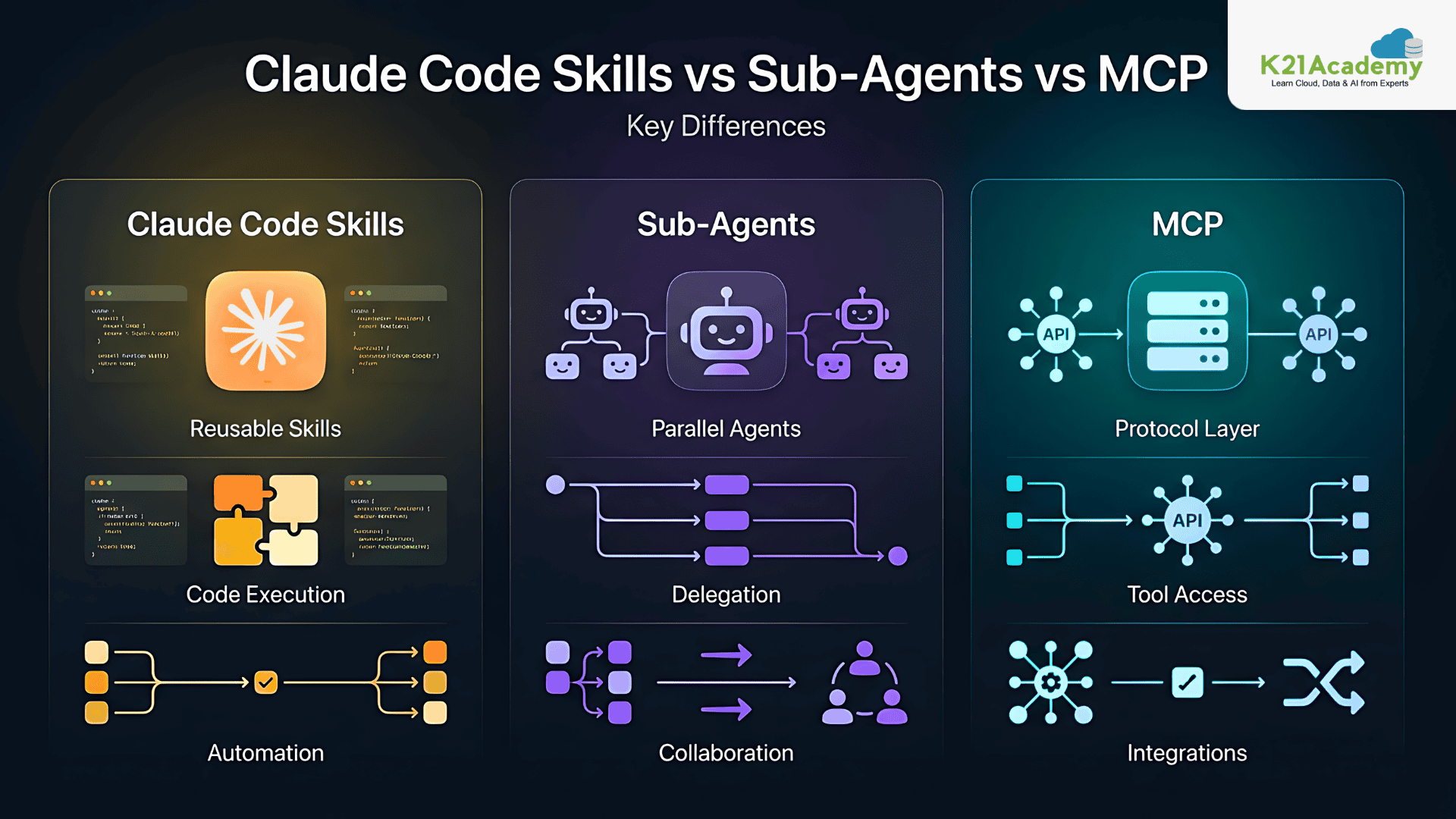
Understanding Claude Code Skills vs Sub-Agents vs MCP becomes easier when you think in terms of roles:
| Component | Role |
|---|---|
| Skills | Execution layer |
| Sub-Agents | Intelligence layer |
| MCP | Integration layer |
Let’s look at each of these three layers in detail now.
Understanding Claude Code Skills
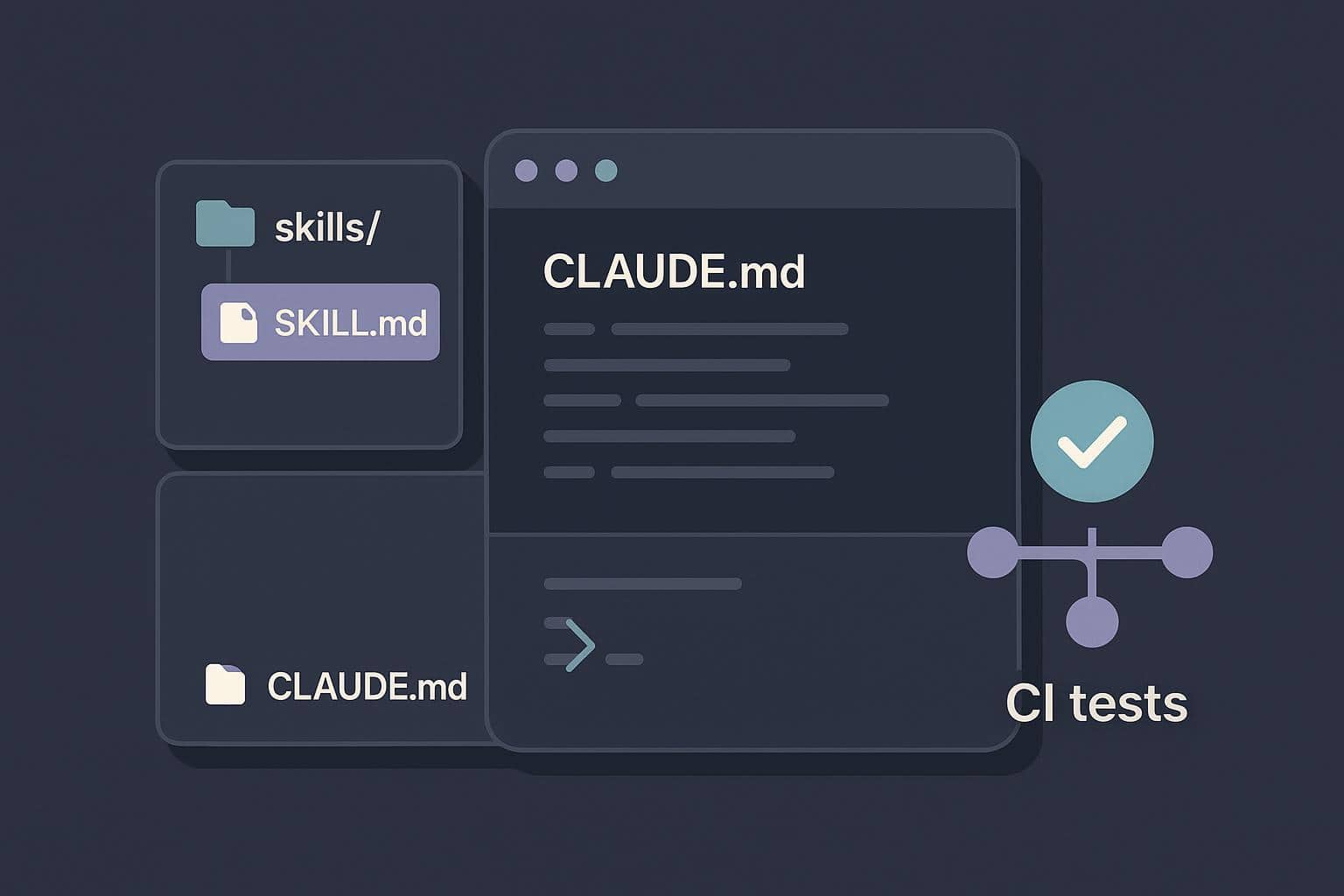
When discussing Claude Code Skills vs Sub-Agents vs MCP, Skills are the simplest starting point
What are skills really?
Skills are modular, reusable functions that Claude can execute instantly. They don’t “think” or “plan”, they just perform a defined action extremely well.
Why Skills matter
In the context of Claude Code Skills vs Sub-Agents vs MCP, Skills are important because they:
- Reduce repetitive prompting
- Standardize outputs
- Improve consistency across workflows
Real Example
Instead of repeatedly prompting:
“Convert this log into JSON…”
You define a Skill once:
parse_logs_to_json(logs) → structured JSON
Now Claude executes it instantly whenever needed.
When Skills shine
Skills are best when:
- Tasks are repetitive
- Logic is straightforward
- Speed is critical
Understanding Sub-Agents
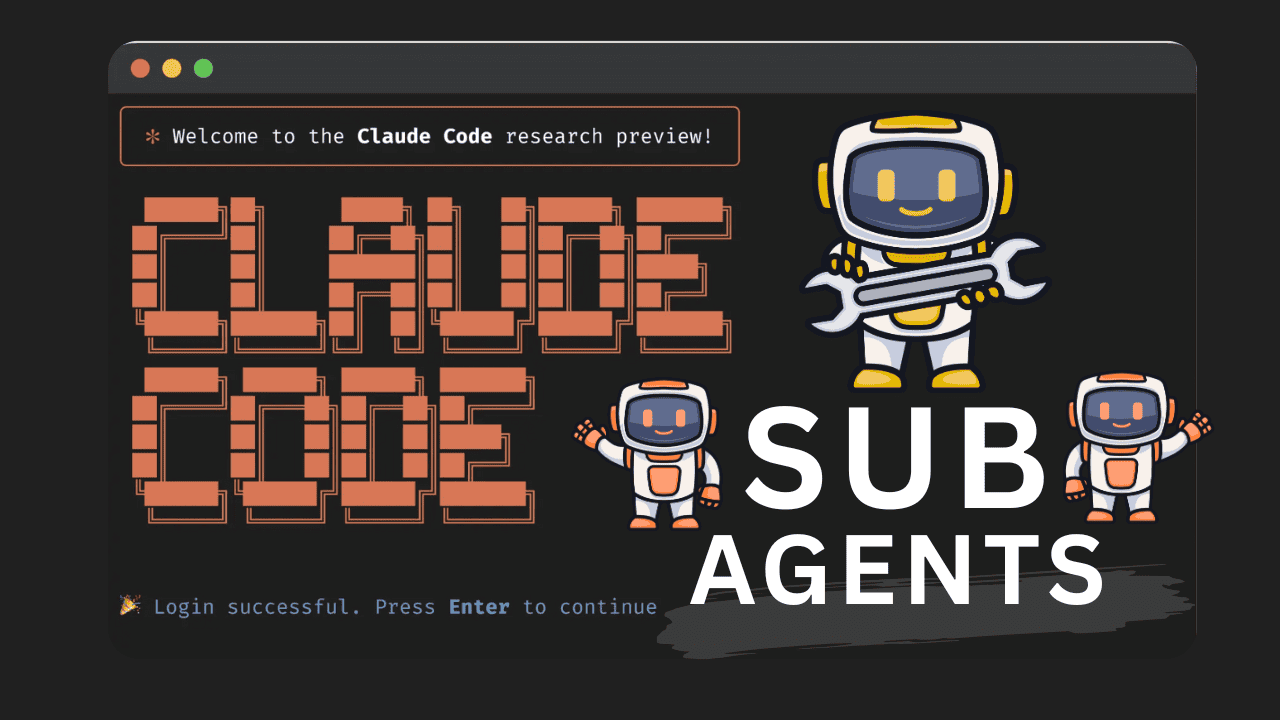
Subagents are specialized AI assistants with their own context windows, custom system prompts, and specific tool permissions. Sub-Agents introduce autonomy and reasoning.
Related Readings: What Are AI Agents? Definition, Types, Examples & How They Work
What makes Sub-Agents different?
Unlike Skills, Sub-Agents:
- Think through problems
- Break tasks into steps
- Maintain intermediate context
They behave more like:
Independent team members handling specific responsibilities.
Why Sub-Agents are powerful
Sub-Agents unlock:
- Multi-step workflows
- Task specialization
- Parallel execution
Real Example
Let’s say you want to generate a high-quality blog. Instead of one monolithic prompt, you create:
- Research Agent → Gathers insights
- Writing Agent → Drafts content
- SEO Agent → Optimizes keywords
Each agent contributes independently.
When Sub-Agents shine
Use Sub-Agents when:
- Tasks require reasoning
- Workflows are multi-step
- Outputs depend on intermediate decisions
Related Readings: Claude Certified Architect Foundations: From Beginner to AI Architect
Understanding MCP (Model Context Protocol)
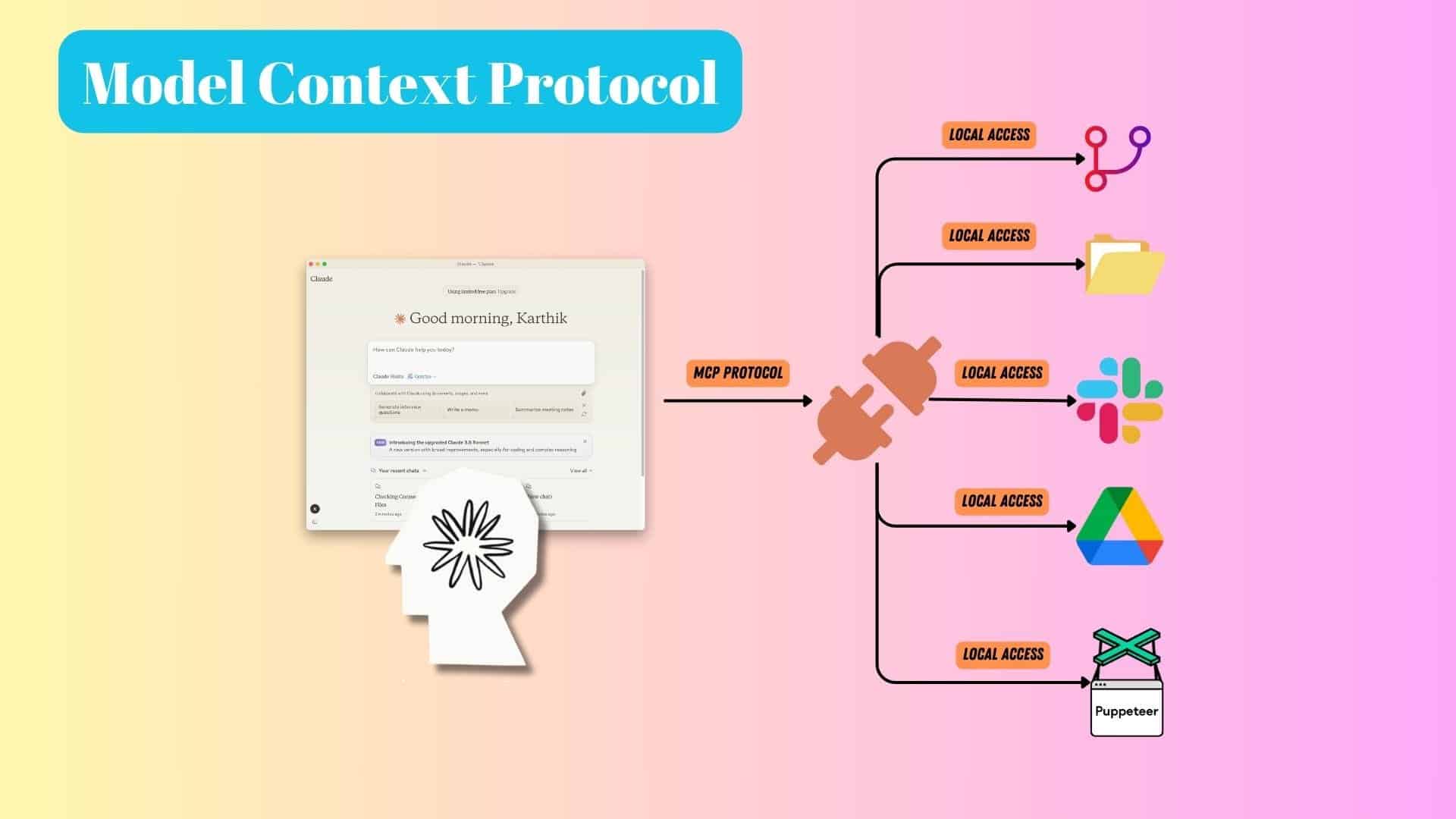
The third pillar in Claude Code Skills vs Sub-Agents vs MCP is MCP (Model Context Protocol), which acts as the connectivity layer.
What does MCP actually do?
MCP allows Claude to:
- Access external systems
- Fetch real-time data
- Interact with APIs, databases, and tools
Without MCP, Claude operates in isolation.
Why MCP is critical
MCP is what makes systems:
- Dynamic instead of static
- Context-aware instead of generic
- Production-ready instead of demo-level
Real Example
User asks:
“Show latest GitHub issues”
Flow:
Claude → MCP → GitHub → Response
No manual intervention needed.
When MCP shines
Use MCP when:
- You need live data
- Systems must integrate with external tools
- Context needs to stay updated
Claude Code Skills vs Sub-Agents vs MCP: Core Differences Explained
- Skills execute what is already known
- Sub-Agents figure out what needs to be done
- MCP fetches what is not yet known
Related Readings: OpenClaw vs Claude Code vs Claude Cowork
This layered thinking is key to mastering Claude Code Skills vs Sub-Agents vs MCP.
| Feature | Claude Code Skills | Sub-Agents | MCP (Model Context Protocol) |
|---|---|---|---|
| Core Purpose | Execute predefined tasks efficiently | Handle complex, multi-step workflows | Enable integration with external systems |
| Role in System | Execution layer | Intelligence & reasoning layer | Connectivity & data access layer |
| Level of Complexity | Low | Medium to High | Medium |
| Autonomy | ❌ No autonomy (rule-based execution) | ✅ High autonomy (independent reasoning) | ⚠️ Depends on Claude (acts as bridge) |
| Reasoning Capability | ❌ None | ✅ Yes (step-by-step thinking) | ❌ No reasoning (only data exchange) |
| Reusability | ✅ Very high (plug-and-play) | ⚠️ Moderate (task-specific design) | ✅ High (usable across systems) |
| State Management | ❌ Stateless | ✅ Stateless per sub-agent; parent agent retains overall context | ⚠️ External systems manage state |
| Execution Speed | ⚡ Very fast | 🐢 Slower (due to reasoning loops) | ⚡ Fast (depends on external system latency) |
| Best For | Repetitive, deterministic tasks | Complex workflows & decision-making | Real-time data access & integrations |
| Examples | Data formatting, API wrappers, code snippets | Research agents, debugging agents, content pipelines | GitHub integration, DB queries, Slack bots |
| External Data Access | ❌ Limited | ⚠️ Possible via tools | ✅ Native capability |
| Scalability | ✅ High (easy to reuse across tasks) | ⚠️ Moderate (requires orchestration) | ✅ High (scales with integrations) |
| Setup Effort | 🟢 Easy | 🟡 Moderate | 🟡 Moderate |
| Maintenance | 🟢 Low | 🟡 Medium | 🟡 Medium (depends on integrations) |
| Typical Use Case | “Do this specific task” | “Figure out how to solve this problem” | “Fetch or interact with external data” |
| Example Scenario | Convert logs → JSON | Write blog with research + SEO | Fetch real-time analytics from database |

When to Use What (Practical Decision Guide)
Choosing between Claude Code Skills vs Sub-Agents vs MCP depends on the nature of your problem.
Use Skills if:
You already know the exact task and just need fast execution.
Example:
- Formatting data
- Generating templates
- Running fixed transformations
Use Sub-Agents if:
The system needs to figure things out step by step.
Example:
- Debugging systems
- Writing long-form content
- Performing analysis
Use MCP if:
Your system needs external awareness.
Example:
- Fetching database records
- Integrating with SaaS tools
- Accessing real-time analytics
Common Mistakes in Claude Code Skills vs Sub-Agents vs MCP
1. Using Sub-Agents for simple tasks: This adds unnecessary complexity when a Skill would suffice.
2. Ignoring MCP: Without MCP, your system lacks real-world awareness.
3. Overloading Skills: Trying to make Skills “smart” defeats their purpose.
Understanding these pitfalls is essential when working with Claude Code Skills vs Sub-Agents vs MCP.
Related Readings: Top 10 Claude Code Use Cases Every Developer Should Know
Conclusion
The debate around Claude Code Skills vs Sub-Agents vs MCP isn’t about choosing one rather it’s about using each correctly.
- Skills give you speed
- Sub-Agents give you intelligence
- MCP gives you real-world power
If you combine them effectively, you move from basic automation to intelligent systems. And that’s the real shift happening in AI development today.
Next Step: Level Up with Claude Code
Ready to go beyond basics?
Join our Claude Code free class to learn how to build, debug, and optimise code using Claude Code with real examples and expert guidance. Take this opportunity to learn from industry experts and advance your AI career.