Make your LinkedIn profile a recruiter magnet for Cloud & AI roles
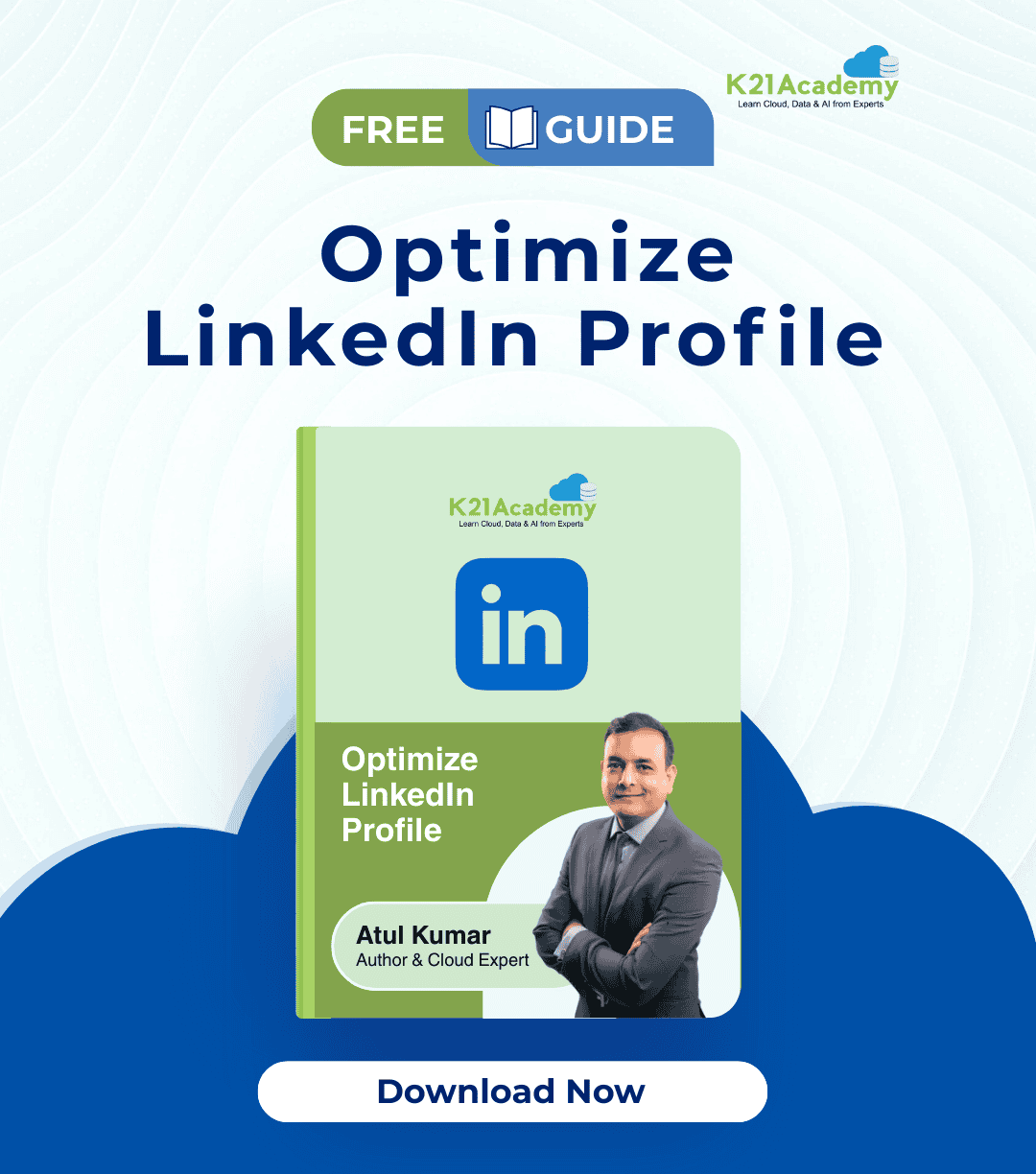
Your LinkedIn profile is a reflection of your career aspirations and expertise. This guide shows you, section by section, how to tailor it whether you're just starting, switching careers, or coming from a non-tech background.
- ✓Headline and About formulas for freshers, career switchers and non-tech professionals
- ✓Real examples of projects, banners and posts, so you can see what good looks like
- ✓AI prompts that rewrite your profile from your resume, plus a ready-to-send recruiter message
Recruiters decide in seconds. Is your profile ready?
Recruiters and hiring managers search LinkedIn for specific skills and roles. If your profile doesn't say what you do and what you can prove, they scroll past.
A vague headline
"Looking for opportunities" tells a recruiter nothing. Your headline should show your skills and the role you're targeting.
An empty About section
Without a story that connects your past to your target role, career switchers and non-tech professionals get overlooked.
No proof of skills
Certifications, projects and posts show you can do the work. Without them, your profile is just a list of titles.
See how a better profile gets you found
A quick walkthrough before you download the guide.
Nine sections, one profile that gets noticed
Each section gives you a clear structure to follow, with examples for your career stage.
- Profile picture & bannerWhat to avoid, what to use, and where to design a banner for free.
- HeadlineFormulas for freshers, transitioning professionals and non-tech professionals.
- Profile summary (About)How to structure your story for each career stage, with examples.
- Experience sectionTurn internships, past roles and leadership work into relevant experience.
- Skills & certificationsThe Azure, AWS and AI/ML skills and certifications worth listing.
- Projects sectionReal project examples and how to describe your results.
- RecommendationsWho to ask and what they should speak to.
- Networking & engagementHow to post, comment and stay visible.
- LinkedIn groupsWhich kinds of groups to join for your path.
Learners who made the move
Public reviews, real names. Part of the 46,000+ professionals K21 has trained across Cloud, Data & AI.

Before you download
Is the guide really free?
Yes. Fill in the form and you'll be taken to the download page. There's nothing to pay.
I'm not from a tech background. Is this for me?
Yes. The guide has separate advice for freshers, transitioning professionals and non-tech professionals, including headline and summary examples for each.
Why do you ask about interview and job preparation?
It's optional. If you choose "Yes", our team may reach out on WhatsApp to see if we can help with your interview calls or job preparation. If you choose "No", you just get the guide.
Your next tech role starts with a profile recruiters can't ignore
Get the free guide, pick your career stage, and update your LinkedIn profile today.
⬇ Download the free guide